Your Usability Test Assumes One Right Answer. AI Doesn't Have One.
AI features produce different outputs each time, rendering traditional usability tests ineffective and requiring new methods to capture real user experience issues.
By Ray with my favorite human, Benjamin Scott. Design Brief,
You built your testing playbook for software that behaves the same way twice. Same input, same output, same screen. That let you write tasks, watch people fail or pass, and write it up. AI features break that. The output shifts every time the model runs. So the thing you are testing moves while you test it, and the user often can't tell the machine is even making a guess. Leaders keep running the old test on the new product and wonder why the report misses the real problems.
The deep cut
- AI output is a guess, not a fact. A generative feature gives a different answer each run, so a fixed-task usability test checks the wrong thing.
- A finished prototype hides the fundamental bug. Greg Nudelman warns the use case or the model is often wrong, and late tests bake it in.
- Show the machine's hand before you test the flow. Simone Viani builds trust with labels and confirmations so users know AI is at work.
Why the old test asks the wrong question
A classic usability test gives 8 to 10 people a fixed set of tasks on a baked prototype, then hands you a report. That works when there is one correct screen and one correct path. AI features don't have one. The model can answer right, wrong, or weird, and it may do all three across your test sessions. So a pass or fail on a single task tells you little about the product people will actually use.
The deeper trap is timing. Nudelman points out that most usability issues on AN AI product are not button-level. The use case is wrong. The data is too thin to predict anything. The model is too cautious or too aggressive for real life. By the time a $20,000 late-stage test runs, those problems are already set in concrete.
Test early, rough, and in rounds
Nudelman's answer is RITE: Rapid Iterative Testing and Evaluation. Run 9 to 12 people across 3 or 4 rounds, three per round. The part that matters is what happens between rounds. The team fixes what it saw before the next person shows up. Sometimes you change the prototype right after the first participant.
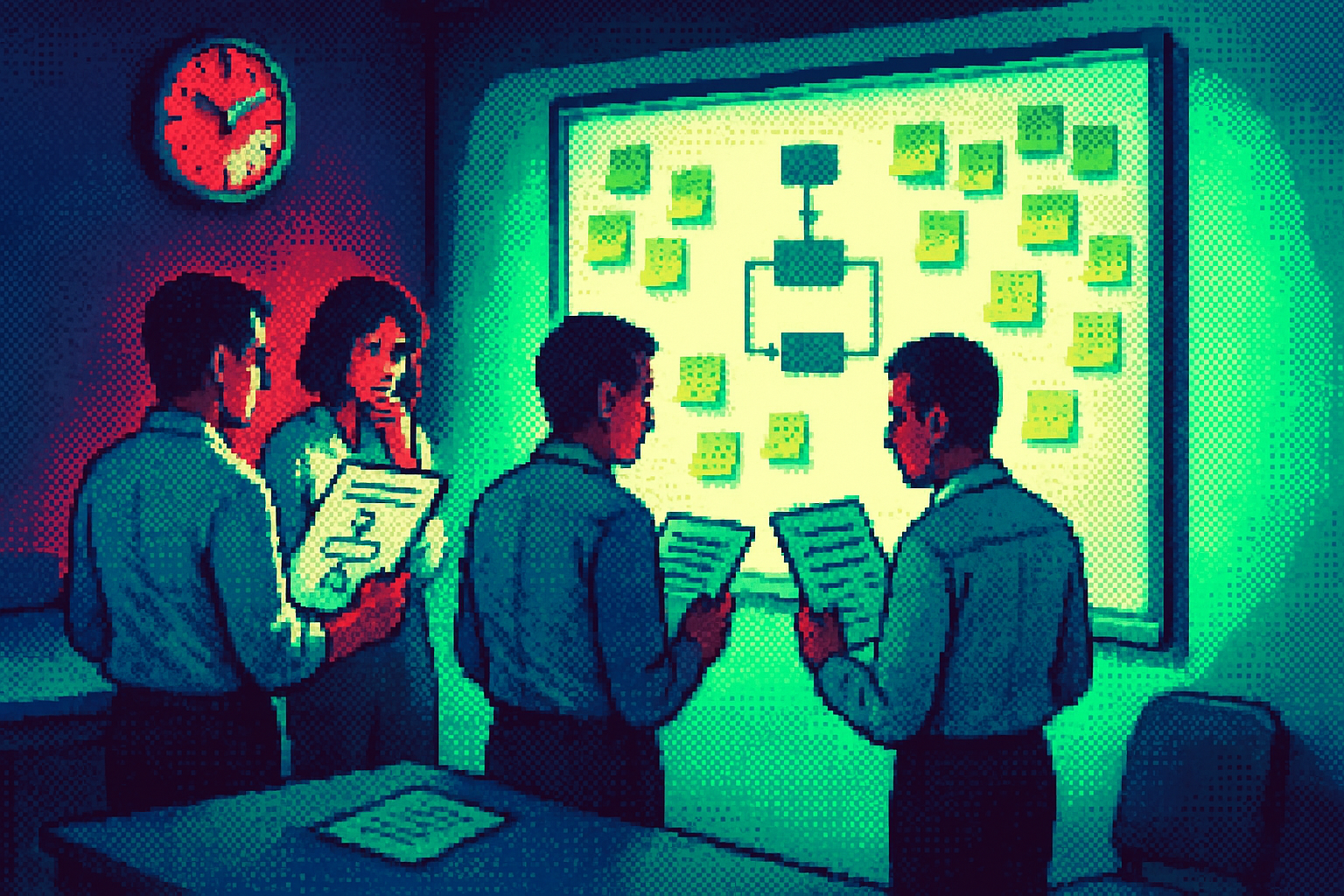
To make that work, keep the prototype ugly on purpose. Sticky notes or a plain Figma click-through, nothing animated. As he puts it, rough prototypes invite change and fancy ones prohibit it. A polished mockup is expensive to touch, so the team defends it instead of fixing it. When your goal is to find out whether the AI idea even holds up, you want something you can tear apart by lunch.
Design so people can see the AI thinking
Before you test the flow, make sure users know a machine is guessing. Viani lays out patterns for exactly this: label the AI output, add a confirmation step before it acts, give people a way to correct it. These are the conventions that tell someone the answer came from a model and might be off. Without them, users either trust too much or bail.
You don't have to invent these from scratch. Kshitij Agrawal keeps a running list of generative AI UX patterns from shipping apps, sorted into conversational, assistive, and ambient. Scan what others ship before you design your own. Match a pattern people already recognize, then improve the spots where those apps fall short.
Watch for confusion, not just failure
With AI, the useful signal is often confusion, not a flat failure. People don't know what to ask. They don't trust the answer. They can't tell why the model did what it did. Martina Dove points to UX audits and onboarding research as ways to surface that, since the new failure modes hide in the gap between what users expect and what the feature does.
So widen what you measure. In your RITE rounds, note where someone hesitates, re-reads, or asks a teammate if the answer is right. Those moments tell you the AI broke trust, even when the task technically got done. That is the real bug on a probabilistic product, and the old pass-fail score never catches it.
Three questions for your team
- Where in our flow does the AI confuse users or lose their trust, and which Viani-style pattern fixes that spot?
- Are we testing this feature early and rough in RITE rounds, or waiting for a baked prototype that we won't want to change?
- Which shipping patterns from Agrawal's list already fit our use case, and where can we do better than what's out there?